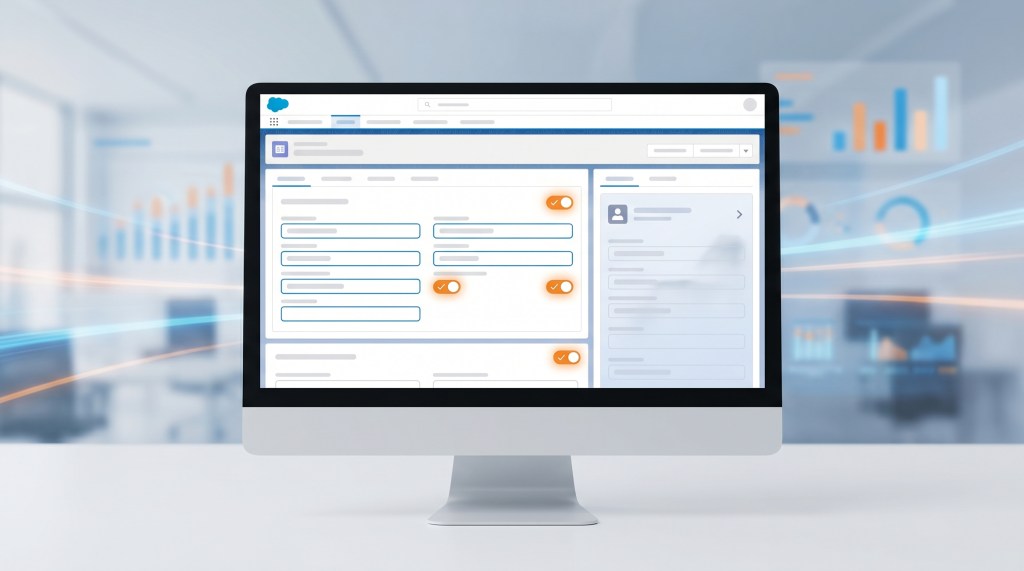
If you’ve ever maintained Salesforce page layouts, you know the pain. A user from the Sales team needs to see Opp Amount and Close Date. The VP needs those plus Pipeline Score, Risk Rating, and Forecasting Category. Meanwhile, the BDR only needs Account Name and Next Step. So you end up with five profile-specific page layout variants, each with minor differences, and a mounting maintenance burden.
What Are Dynamic Forms?
Introduced in the Spring ’20 release, Dynamic Forms lets you control field-level visibility on Lightning record pages based on who’s looking at the record and what the record contains. Instead of copying an entire page layout to hide three fields, you build one page layout and add visibility rules at the field or section level.
How It Works
- Field-by-field visibility: In Lightning App Builder, select any field component on a record page and add a Filter rule. Show the field only for specific profiles, permission sets, or when a record-level condition is met.
- Section visibility: Group related fields into a section (e.g. “Executive Summary”) and show or hide the entire section with a single rule.
- Component-level filters: Rich text, related lists, charts — any component on a record page can have visibility rules, not just fields.
- Mobile-compatible: Rules defined in Dynamic Forms carry over to the Salesforce mobile app. No separate mobile layout needed.
When to Use Dynamic Forms vs. Page Layouts
Here’s where it gets practical. Page layouts still control field order, row structure (2-column, 1-column), and section grouping. Dynamic Forms controls visibility. They work together:
- Use page layouts to define the layout structure — which fields, in what order, in which sections.
- Use Dynamic Forms to selectively show or hide those fields based on user and record criteria.
A good heuristic: if you’re creating a 4th page layout variant just to hide 3 fields, switch to Dynamic Forms instead.
What About Record Types?
Record types still work as they always have. A page layout is assigned by record type and profile. Dynamic Forms visibility rules apply within that page layout. So if you have Opportunity with two record types (New Business and Renewal), each can have its own Dynamic Forms rules layered on top of its page layout.
Limitations to Know
- Dynamic Forms requires Lightning Experience or the mobile app. It does not work in Salesforce Classic.
- There’s a per-page component limit — 100 components per page in Dynamic Forms mode (versus 250 in standard mode).
- Actions on record pages still use Action Layouts (not Dynamic Forms), though Dynamic Actions (a companion feature introduced alongside Dynamic Forms) addresses this.
- You must explicitly enable Dynamic Forms per object: Setup → User Interface → Record Page Settings.
Real-World Use Case
Picture this: a client had 12 page layout variants for Opportunity. Each existed because someone in a specific role needed to see (or not see) a small set of fields. After enabling Dynamic Forms, they consolidated to 3 page layouts and used visibility rules for the rest. When a compliance field was added later, it went into one section visible only to Compliance and Legal — no layout changes, no testing across 12 variants.
Getting Started
- Go to Setup → User Interface → Record Page Settings and enable Dynamic Forms for the object(s) you need.
- Open Lightning App Builder for your record page.
- Click any field component and look for the Filter button in the properties panel.
- Add criteria based on profile, permission set, or record field values.
- Publish and test with different users.
Dynamic Forms has been in the platform long enough to be battle-tested but is still surprisingly underused. If you’re maintaining multiple page layout variants just for visibility differences, this is worth the switch.
For more Salesforce tips and consulting, visit motiondog.com.


Leave a Reply