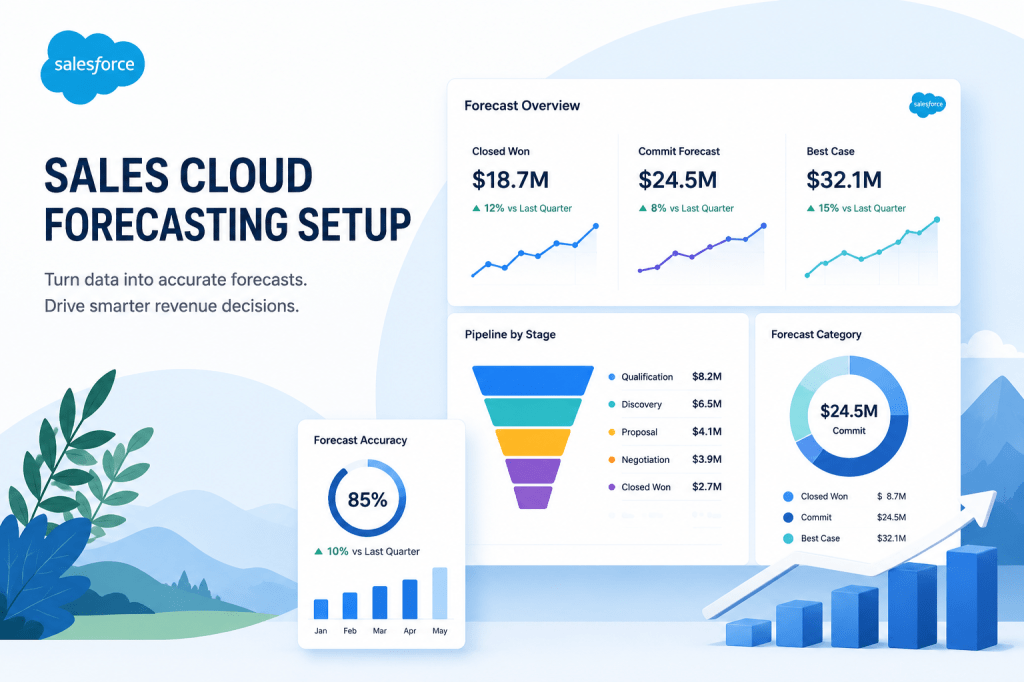
Forecasting in Sales Cloud is one of those features that’s either a quiet workhorse or a quarterly source of pain. The split usually comes down to five decisions made (or skipped) during setup.
I’ve set up Collaborative Forecasts at probably 30 companies over the years. The orgs that get it right have something in common: they treated the configuration as a structured, opinionated decision — not as turn-it-on-and-figure-it-out-later.
Decision 1: Forecast type
For most B2B sales orgs, you want Opportunity Revenue forecasts based on Amount. Easy. Where it gets interesting:
- Multi-product orgs may want Product Family forecasts so leadership can see the mix between, say, software and services.
- Subscription businesses may need Custom Object forecasts on opportunity products or schedules instead of opportunities themselves.
- If you have territory-based selling, layer in Territory Forecasts.
Pick the simplest type that answers your business’s actual question. You can add complexity later.
Decision 2: Forecast hierarchy
This is where most setups go off the rails. The forecast hierarchy lives outside the role hierarchy and needs to be configured separately. If you don’t actively manage it, the wrong manager rolls up the wrong reps.
Audit it before every quarter. New hires don’t automatically get added; people who change roles don’t automatically get moved. This is a sales ops weekly task, not an annual one.
Decision 3: Forecast categories
The default categories — Pipeline, Best Case, Commit, Closed, Omitted — work fine for most orgs. The problem is mapping them to opportunity stages, and changing them later is painful.
Define what each category means in plain English before you map. “Commit means the manager would be surprised if it didn’t close.” “Best Case is the upside scenario, things we’d need to fight for.” “Omitted is for opportunities that are technically open but realistically dead.”
Then map opportunity stages to those categories accordingly, and document the mapping somewhere reps can find it. Without that, every rep interprets the categories differently and your roll-up means nothing.
Decision 4: Adjustments policy
Forecast adjustments let managers override what reps submit. Powerful, sometimes necessary, often abused.
Decide upfront: are managers allowed to adjust freely, only allowed to adjust upward, only downward, or required to leave a comment? Each policy creates a different culture. Free adjustments mean the rep’s number rarely matches the rolled-up number, which erodes rep ownership of the forecast. Required comments slow things down but force a real conversation.
I default to: managers can adjust, comments are required, and the rep’s original submission is always visible alongside the adjusted number.
Decision 5: Cadence
Weekly forecast submission, with a same-day pipeline review meeting, is the rhythm that produces accurate forecasts. Monthly is too slow. Daily is too noisy.
Make sure the meeting actually happens, and make sure it focuses on changes since last week — not on re-litigating every opportunity. The forecast is the artifact; the meeting is where it gets calibrated.
The thing that ties it all together
None of these settings matter if reps aren’t maintaining their pipeline. Garbage in, garbage forecast. The most-overlooked piece of forecast accuracy isn’t configuration — it’s opportunity hygiene. Make sure that’s working before you tune the forecasting layer on top.


Leave a Reply